

The Best Way to Use Your Windows PC as a Digital Signage Display
Using your personal computer as a digital signage display in your business, office, hospital, school, or public location is one of the most affordable and adaptable aspects of displaying content to consumers. As long as you have the correct combination of software and hardware, you can convert any of those PCs into a high-performance digital signage solution without having to invest in a new piece of equipment.
Also read – Mastering Your First Digital Signage Display: A Step-By-Step Guide
In this guide, you will learn how to maximize the value of your existing Windows PC through digital signage using automateB.
1. Select the Appropriate Digital Signage Software
The basis of a successful Digital Signage Display is dependable software. Software such as automateB is hosted in the cloud and will enable you to manage your content remotely, schedule playlists and make real-time changes to your screens. When selecting software, choose one that has an easy-to-use dashboard and allows for control of multiple screens at once.
2. Optimize Your Windows PC for Signage Use

Before deploying your PC as a Digital Signage Display, optimize it for uninterrupted performance:
- Disable unnecessary background apps
- Set automatic startup for signage software
- Turn off sleep mode and notifications
- Ensure stable internet connectivity
These steps help your display run smoothly 24/7 without interruptions.
Also read – Choosing the Right Software for Outdoor Digital Signage Displays
3. Create Quality Content that is Relevant to Your Audience
The content of your digital signage is how people use it to gain information. You can create high-resolution static images, short video clips, and clear messaging for your audience. You will be able to easily switch dynamic content throughout the whole day with the help of automateB. You will be able to display a combination of promotional announcements, menus, and general branding content.
4. Schedule Content Strategically
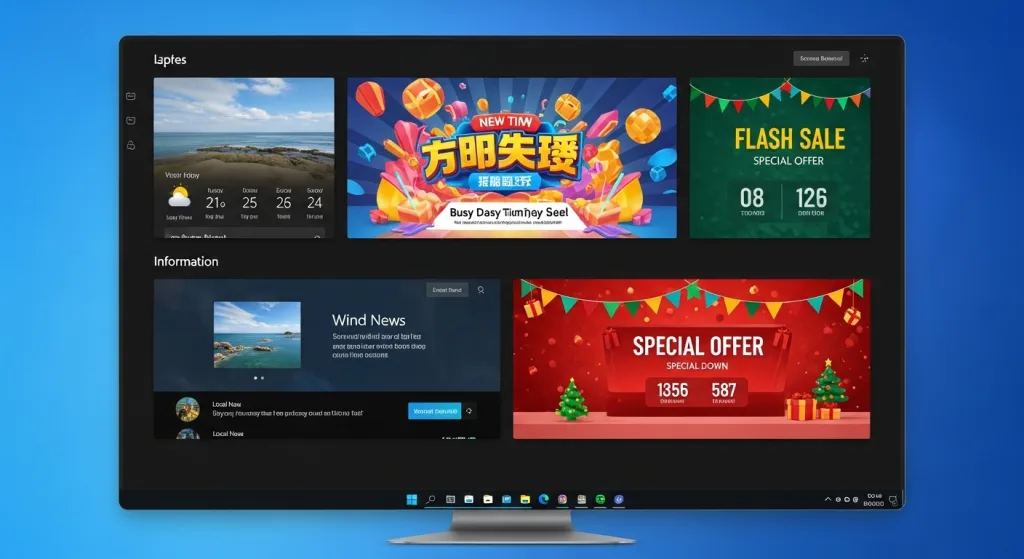
A primary benefit associated with operating your personal computer with automateB is through optimal scheduling of digital signage content. By displaying various types of content at certain times, such as displaying promotional materials during busy times, displaying informational content during slow times, and displaying special campaigns on certain days, you can provide an opportunity for increased audience engagement and relevance.
Also read – The Growing Need for Digital Signage Software
5. Protect and Monitor Your Display
More often than not, most people forget about security. You need to lock up your Windows PC from unauthorized access, have a strong password, and limit user access.
6. Scale Your Digital Signage Display Network as Your Business Grows
As your company grows, so should your digital signage display network. You can add Windows PCs, manage multiple sites and handle everything from one simple interface with automateB.
Also read – What is Digital Signage Software & How Does It Work
Conclusion
Choosing a Windows computer PC as a digital signage display is an economical way to display interactive media like video and animation while also avoiding the expense of purchasing any other types of equipment. A simple, affordable window-based PC can be transformed into a powerful device that allows you to communicate with your target audience when you have the correct software, optimal settings for your PC, and compelling digital signage media. automateB provides you with a streamlined, scalable, and secure way to complete this task, allowing businesses to more efficiently control their digital signage displays, keep them current, and dramatically improve how customers engage with their digital signage.
Frequently Asked Questions (FAQs)
1. Am I able – and allowed — to run software on any type of Windows-compatible PC as an electronic sign?
Yes; any currently produced (new) Windows PC will do; you simply need a compatible program (like automateB) to work with it.
2. Is the automateB program designed to accommodate a single-user business model or can this program also be used effectively by companies that are larger (and usually multi-user)?
Definitely! automateB has great scalability and can work directly with both small businesses’ setups as well as large corporate enterprise networks.
3. Do I need special hardware for a Digital Signage Display?
No, if you already have a compatible screen and a Windows computer, you do not need any further hardware.
4. How frequently can I change the content of my Digital Signage Display with automateB?
You may update your display’s content at any time with access to the internet.
5. Does automateB ensure security for Digital Signage display management?
automateB ensures security through access control and remote monitoring for reliable display management.