

How to Turn Any Screen into a Digital Display
In an era where attention is the most valued commodity, changing out commonplace screens for useful digital displays can change everything about how an organization communicates. Whether it’s a retail shop, office lobby, restaurant, or hospital — the future of communications is digital signage. Digital signage has emerged as the channel of choice to engage consumers, share immediate informational updates, and create several immersive experiences as part of brand engagement.
Best of all, you do not have to invest in pricey or specialized hardware to get started. In fact, virtually any display – from a television to a tablet – can be turned into a professional-looking digital display with current technology.
Read below for an ultimate guide on how to get started with digital displays.
Also read – Top 5 Benefits of Using Digital Displays in Commercial Spaces
1. Choose an Adequate Device
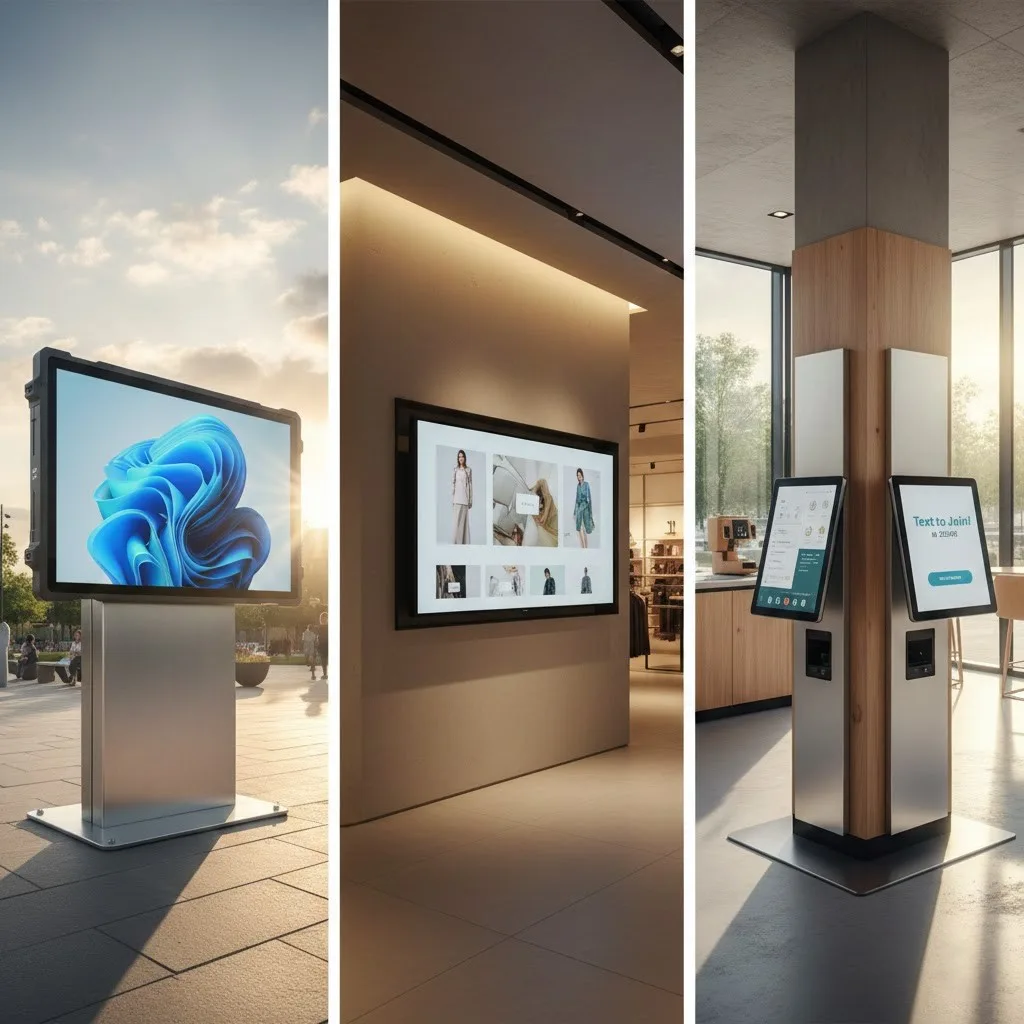
Almost any modern device can be used for digital signage.
Consider: Size of screen, resolution/brightness, and where the signage is physically located. For example, a displayed signage outside will require a brighter and more weather proofed, it is more aesthetic situation to mount an indoor slide show or billboard.
Also read – Why Digital Display Software is a Must-Have for Every Industry in 2025
2. Attach a Media Player
In the event of your display lacking built-in Wi-Fi or app support, you will need a media player. This is a small device that connects to your display via HDMI, and it will allow your display to show digital signage content. Common media players include:
Once players are attached, they allow a player software to run, which will run the content during your digital signage presentations.
3. Set up the digital signage software
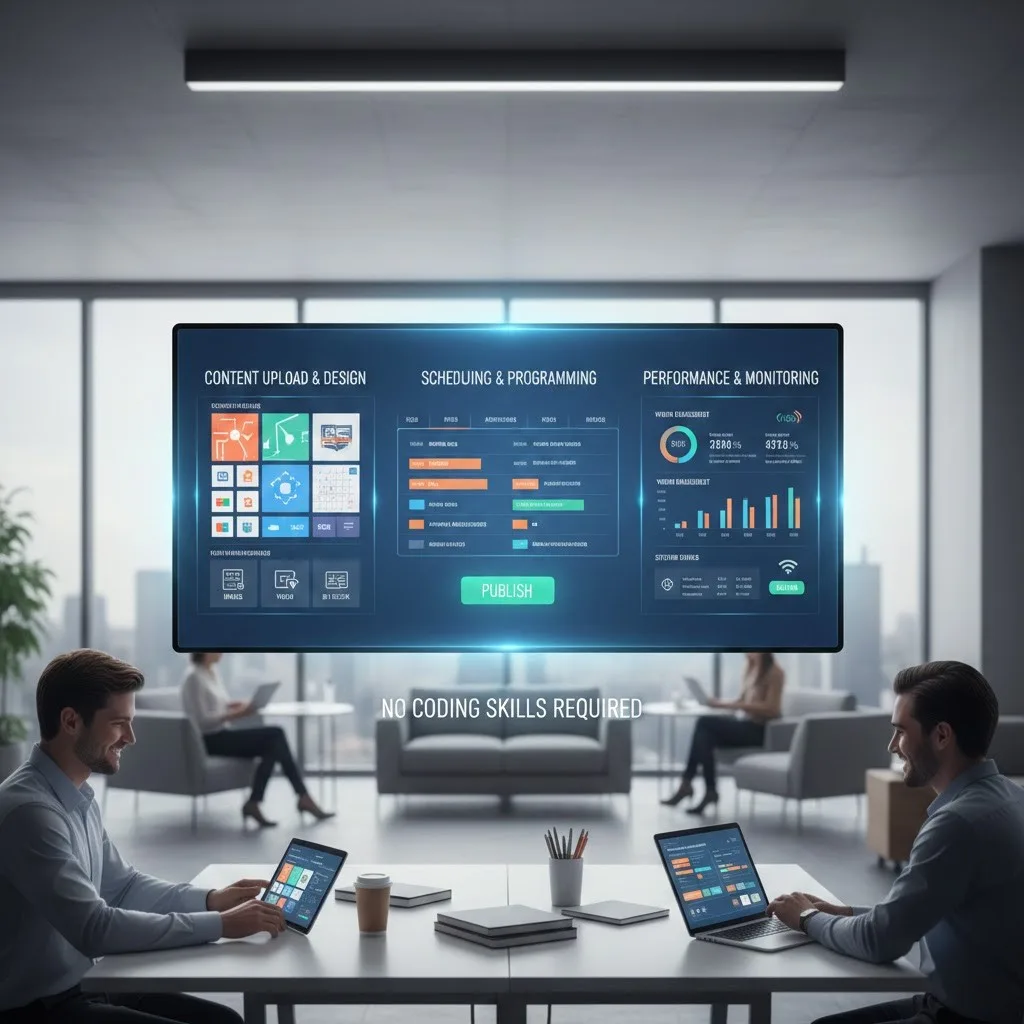
This is where the real change occurs. The digital signage software is the control center for your display — enabling you to upload, program and manage content remotely. With automateB, for example, you can create beautiful layouts, schedule updates, and monitor performance all from one easy-to-use interface without any coding skills.
Also read – Top Features to Look for in Digital Display Software in 2025
4. Generate and Share Your Content
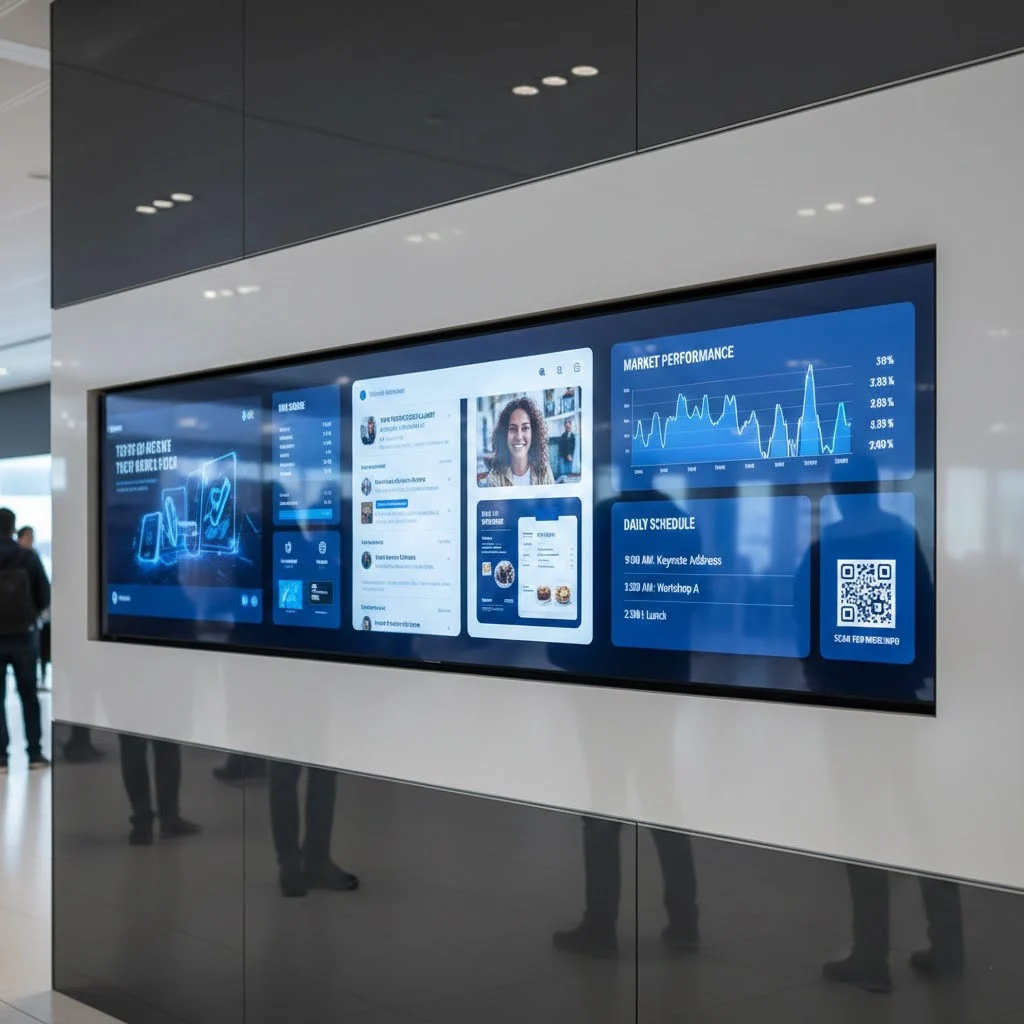
The kind of content you put enhances your digital display’s effectiveness. Moving on from just posting an image or two, consider posting:
A unified design and message help to establish a connection to maintain the audience’s engagement and reinforce your brand.
Also read – Why Partnering with a Digital Signage Solution Provider Saves Time & Money?
5. Remote Management and Monitoring

Once you have everything set up-you can manage your screens from anywhere. You can quickly publish content, plan campaigns, and view uptime. Nearly all signage software offers some form of analytics, so you can assess engagement, display time, and effectiveness.
The ability of remote flexibility is what adds value to digital signage; it is the easiest out of all these features to manage across multiple locations and ensure your message remains current.
Also read – Commercial Digital Signage: Key Do’s and Don’ts for a Successful Setup
Conclusion
It is easy to create a smart, dynamic digital display from any screen with automateB. automateB streamlines every aspect of setup and content management – letting you focus on creativity and communication, rather than technical headaches.
In a world where attention is the only currency, automateB will turn your average screens into extraordinary story-telling devices – helping your business to connect, engage, and inspire like never before!
FAQ’s
1. Can I use any screen for digital signage?
Absolutely! Nowadays, with the technology available through automateB, you can use almost any screen imaginable, from a TV to a tablet – all you need is a compatible screen and an internet connection.
2. Do I need specialized hardware to get started with Digital Signage?
Not at all. You don’t need expensive or specialized hardware to run your digital signage. Most standard media players, including the Amazon Fire TV Stick, an Android TV Box and Google Chromecast work for almost all setups.
3. Is it possible to control several screens at the same time for Digital Signage?
Certainly. automateB enables you to track and change multiple screens at multiple locations automatically and in real-time so your message is always up to date and consistent.
4. Is it complicated to set up and use Digital Signage?
No, it is not. The setup process is fast and easy, and as long as your screen and media player are plugged in, you’ll be displaying content in a matter of Minutes.
5. Is it possible to make content changes for Digital Signage from a separate location?
Yes. Using the automateB cloud-based system, you can change your content and make changes to the schedule remotely.